


Tabelingo

For travellers in Japan

Read the whole menu. Order in one go.

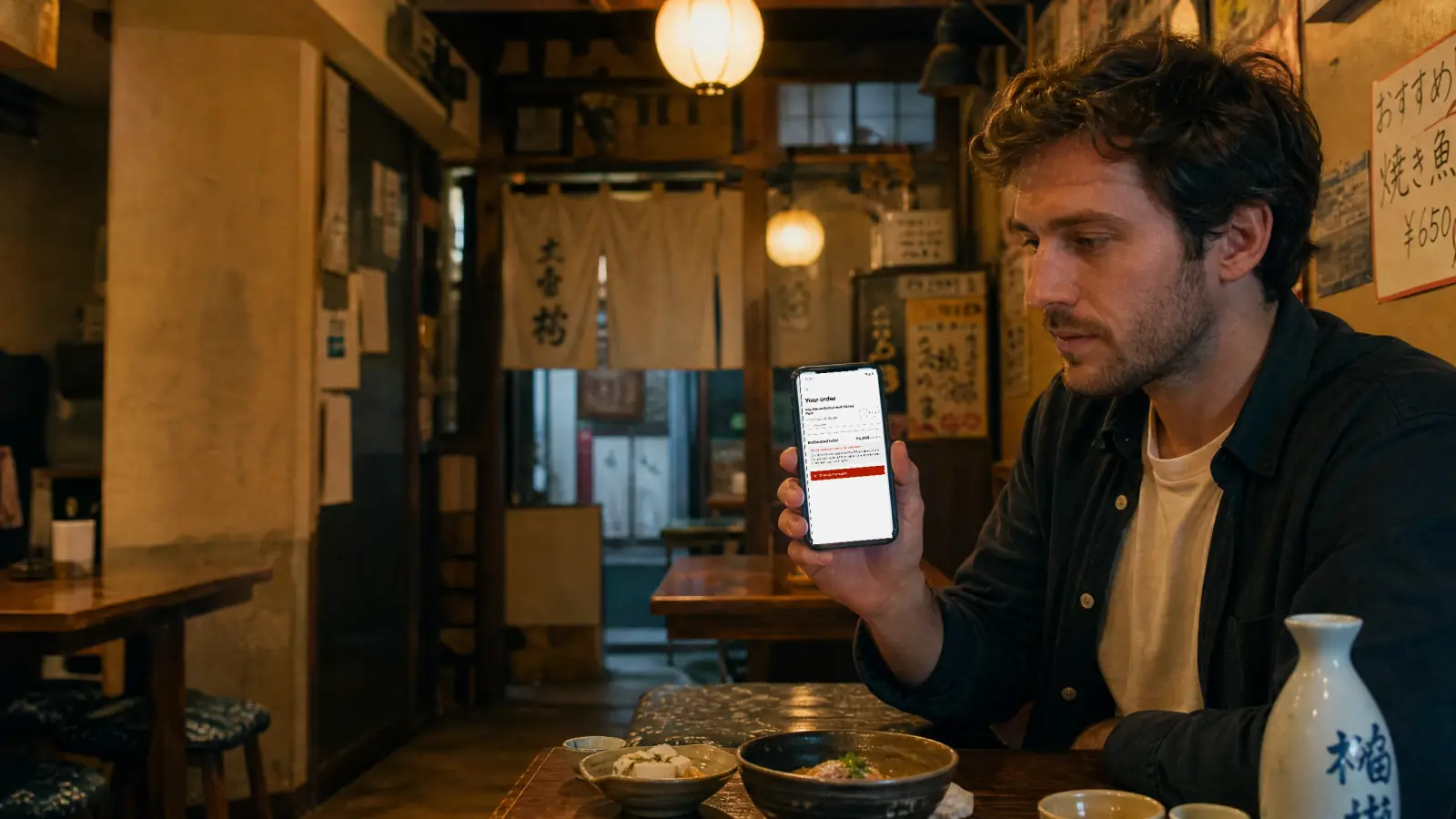
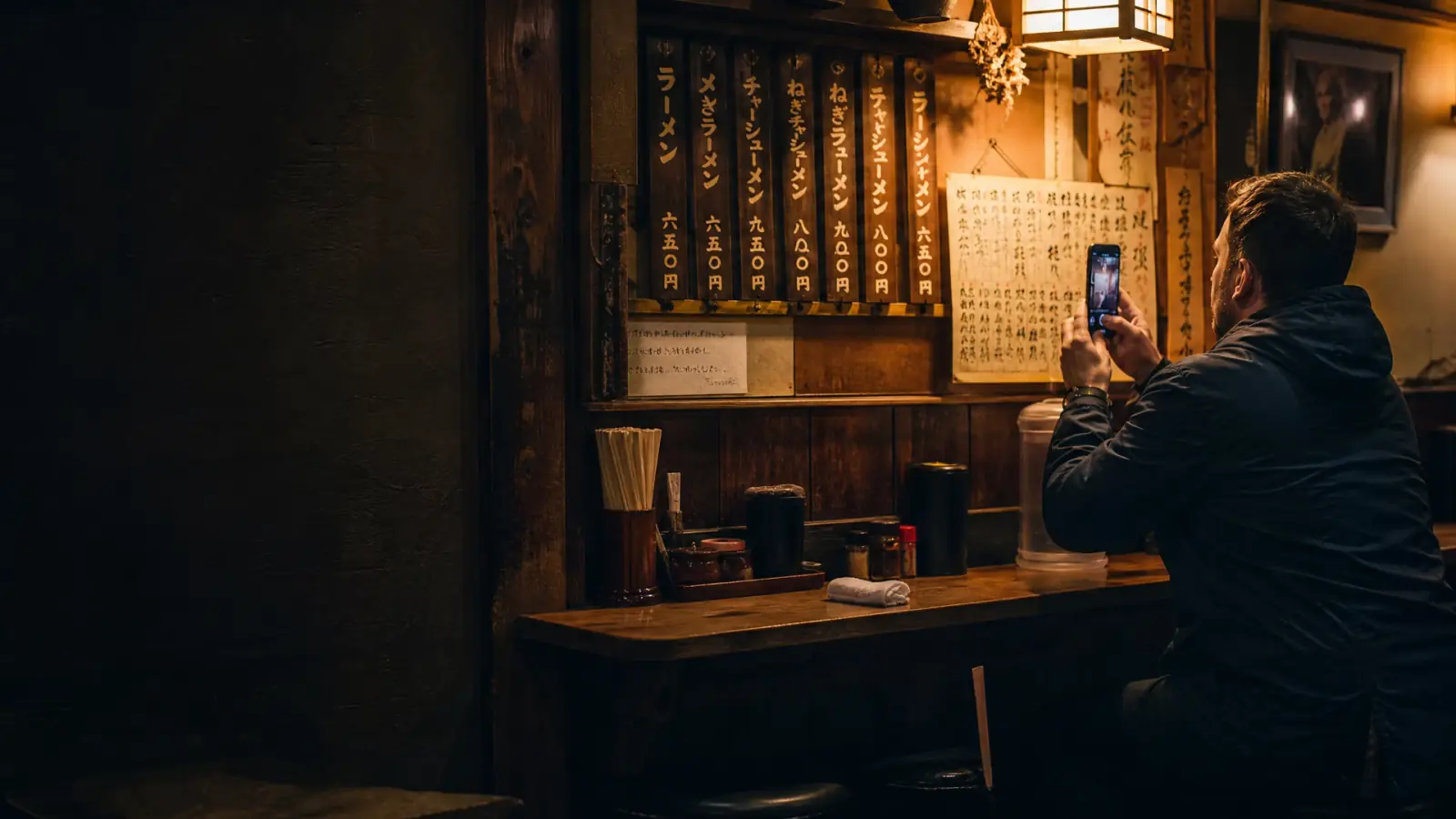
Photograph a Japanese menu, read every dish in your language, and build the order calmly. Then show one screen — in Japanese, and spoken out loud.

The hard part in a restaurant off the tourist track is not understanding the menu — it is placing the order without a five-minute negotiation while the waiter waits.

Coming to the App StoreSee how it works

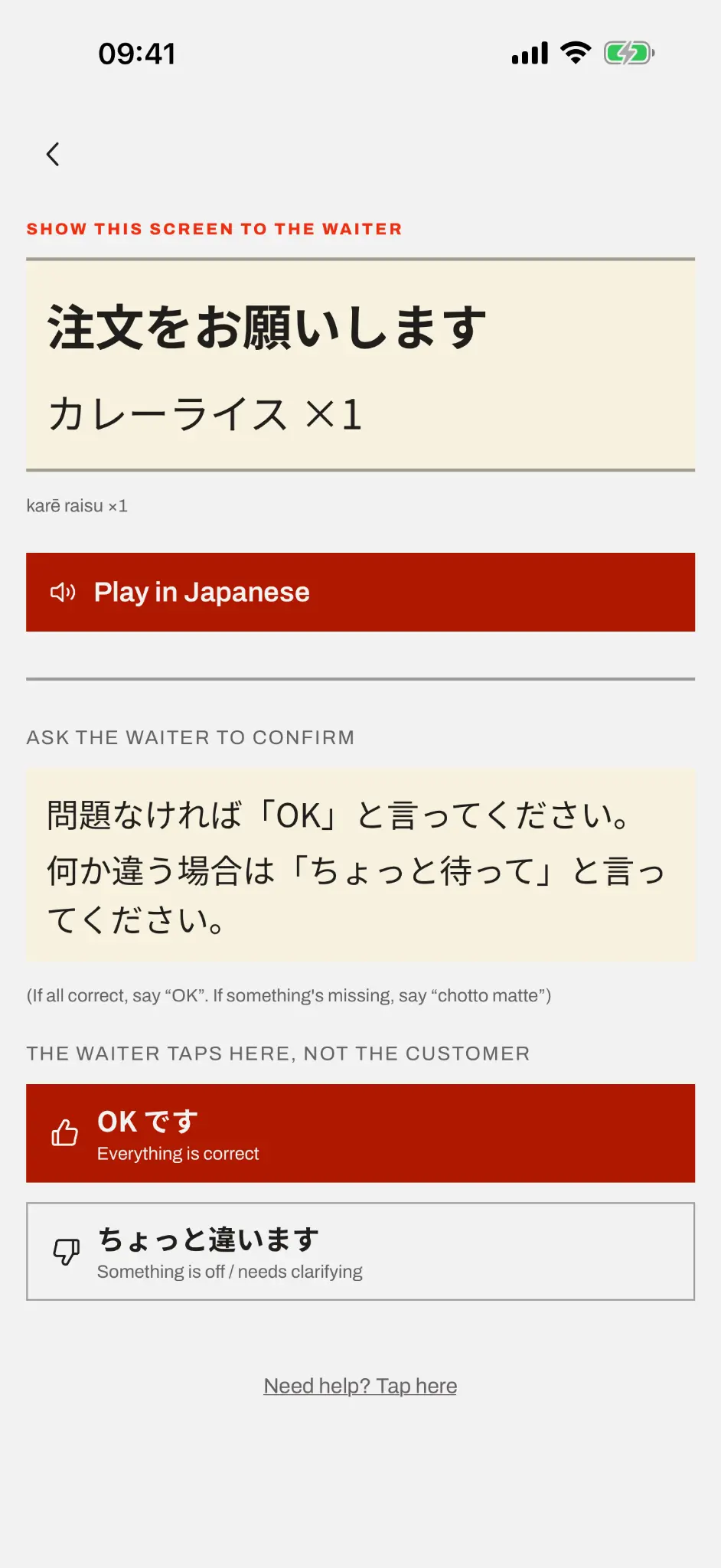
The order shown in Japanese, ready to hand to the waiter

How it works

Three steps, one interaction at the table

  1. 1

    Photograph the whole menu

    One page or several. Handwritten boards and stylised fonts included — the ones general-purpose translators tend to miss.

  2. 2

    Read it in your language

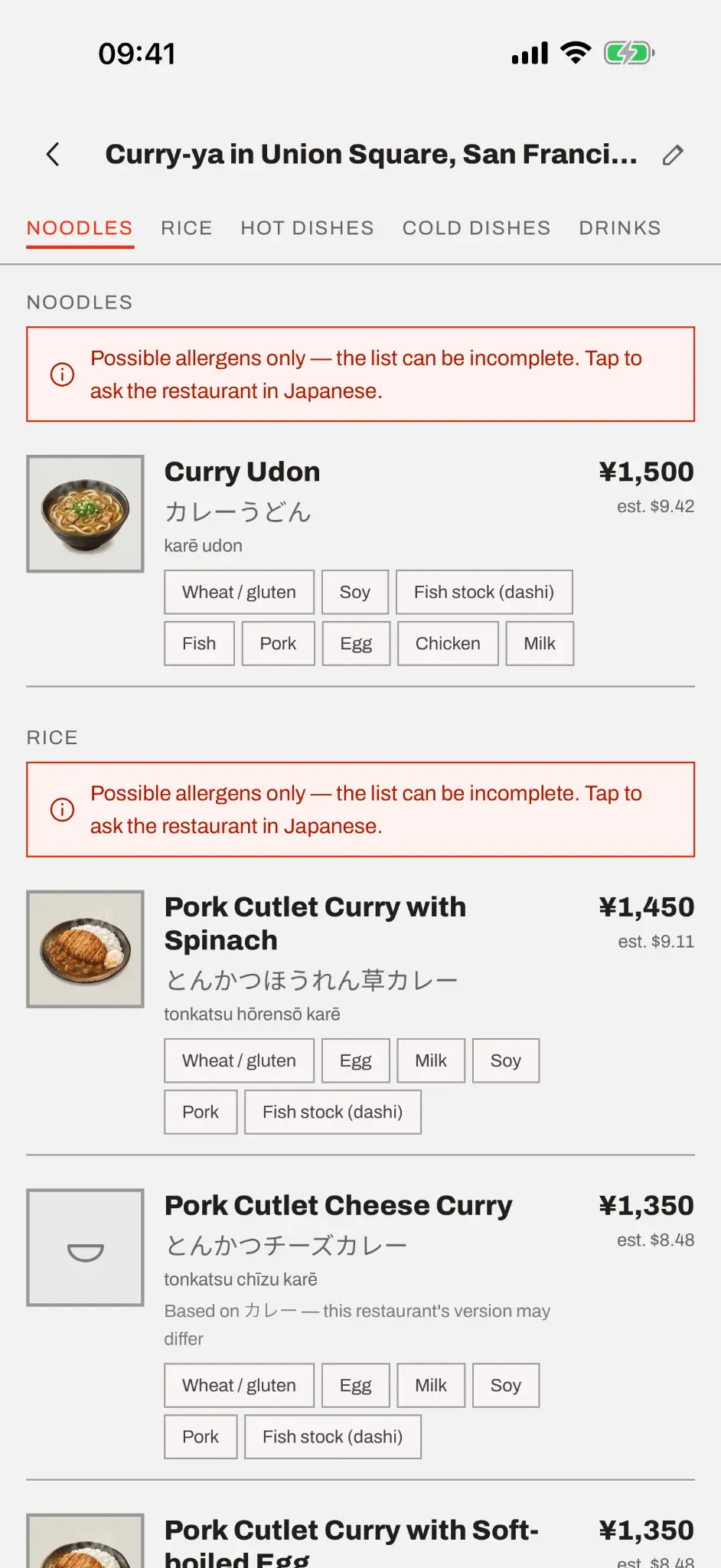
    Dish names, prices converted into your currency, what each dish may contain, and how common allergens show up.

  3. 3

    Show and play the order

    Build the whole order calmly, then show one screen in Japanese and let the phone say it out loud. One interaction, not fifteen.


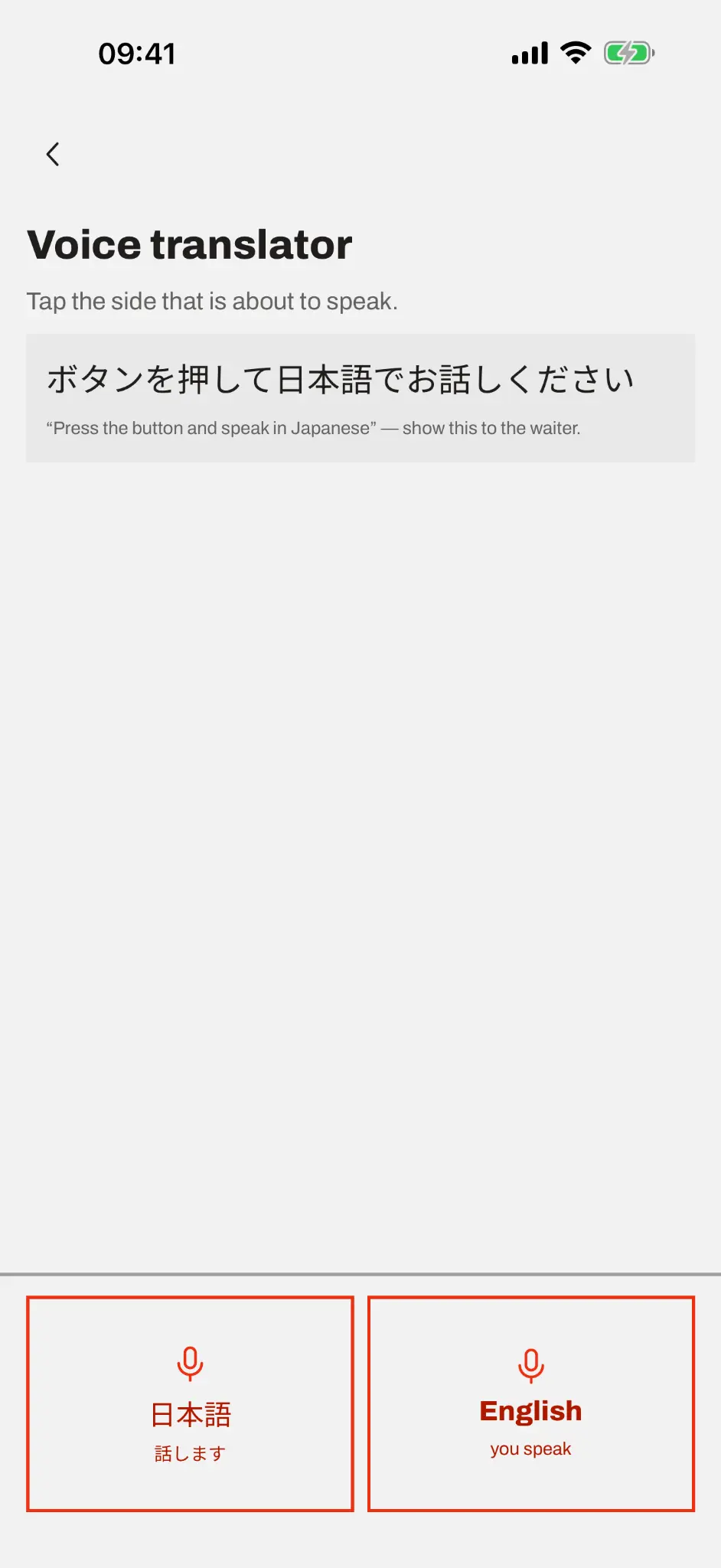
The voice translator, with one button per language

When something is off

Both of you can speak

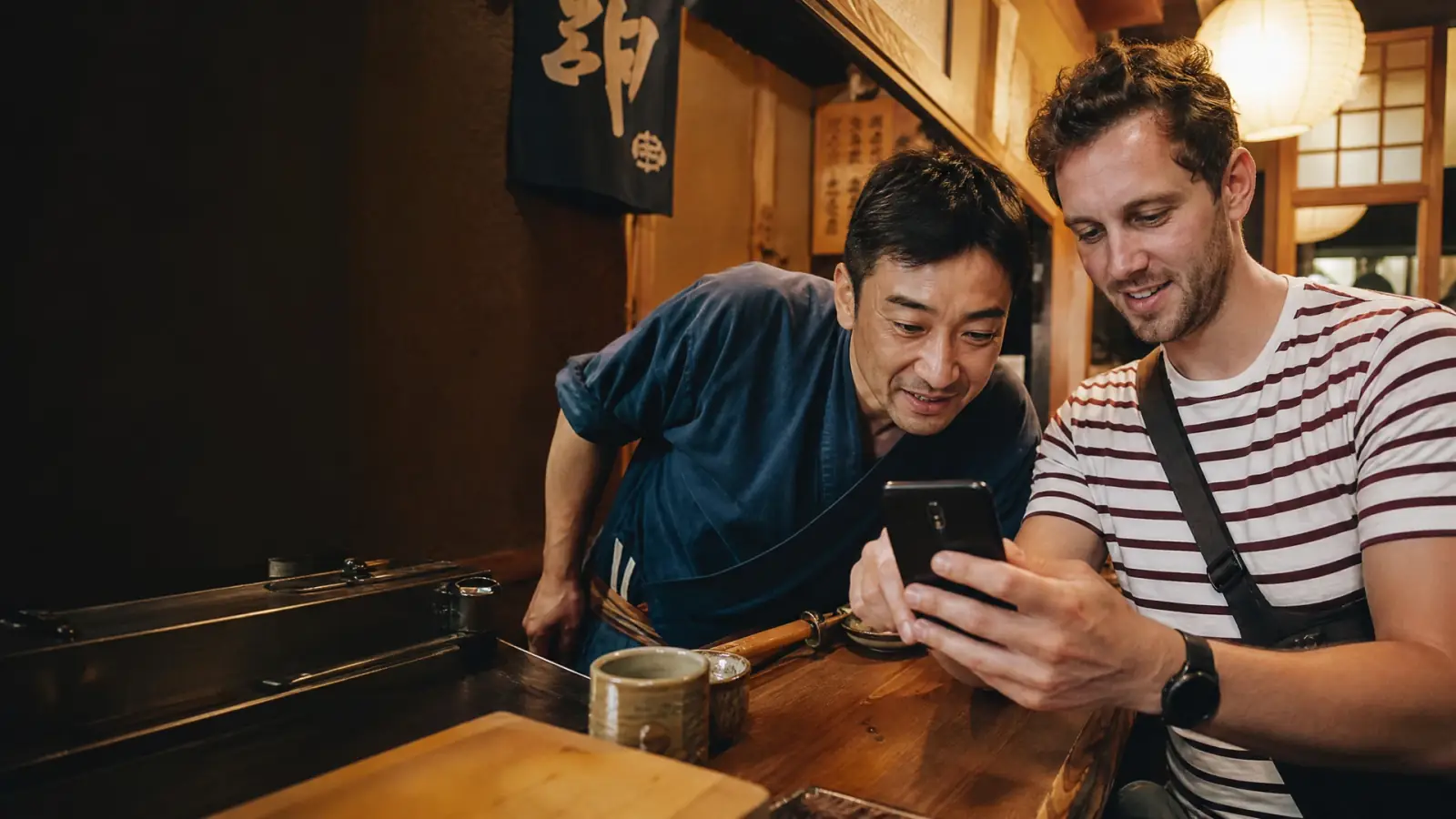
The waiter says the dish is sold out, or asks a question. Tap their side and they speak Japanese; tap yours and speak your language. Each turn shows what was heard and what it became — so a mistake has an owner.

Transcription and translation come from AI models and can be wrong. The app says so on every result, and shows the transcription for you to check before you turn the phone around.


What it will not do

The limits, in plain words

It never says a dish is safe

Each dish lists what it may contain — the same list for everyone. There is no allergy profile to fill in, and the app never judges a dish against your allergy. It gives you the question in Japanese to ask the restaurant instead.

It does not certify halal or kosher

Both require certified slaughter and supervision. In an ordinary Japanese restaurant no meat meets either, whatever the dish. We show ingredients so you can decide — we do not badge a dish as compliant.

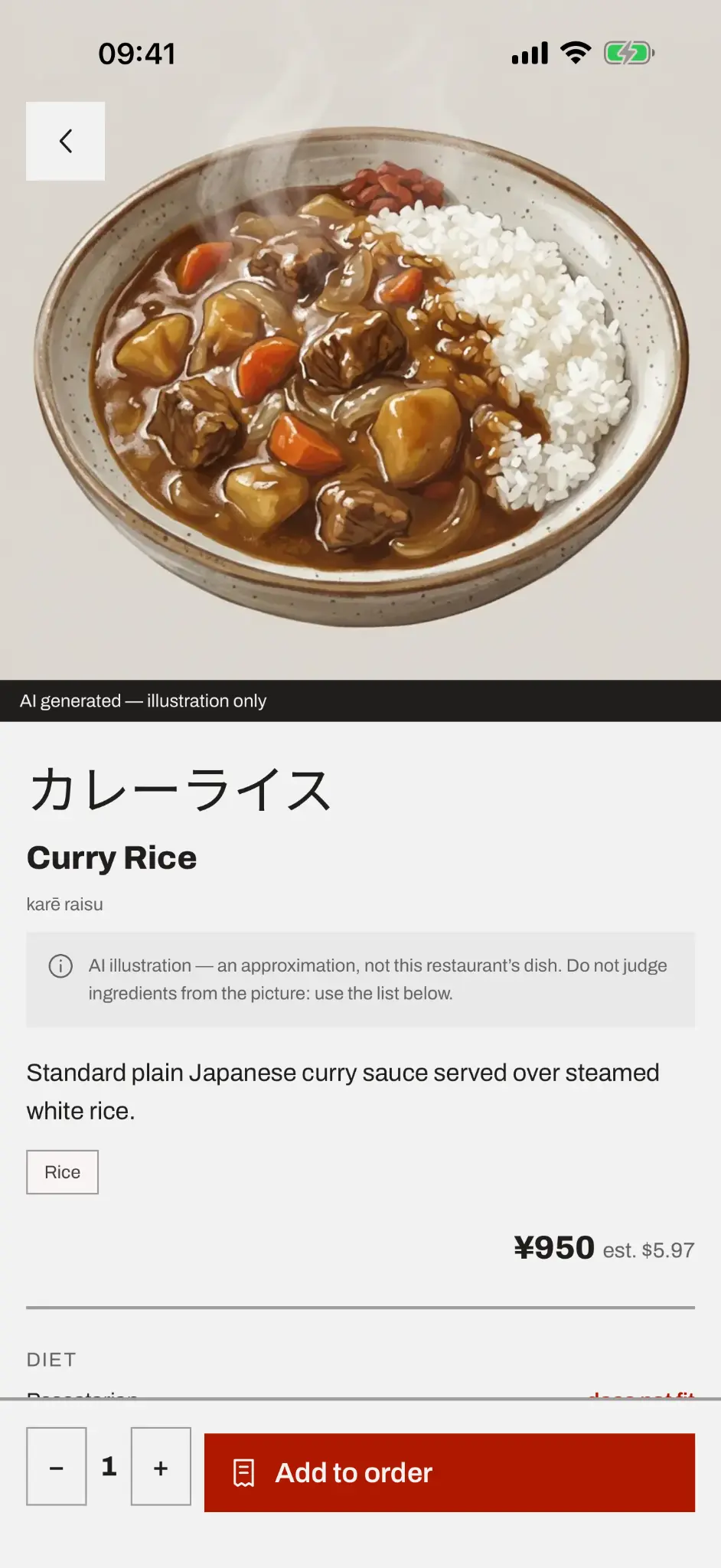
The photos are of the dish in general

Illustrations come from a curated library, not from that restaurant's kitchen, and about half the dishes have one. When there is no match the app says so rather than showing something plausible.

It needs a connection

Reading a menu runs on our servers. Menus you already scanned, illustrations and exchange rates keep working offline.


Pricing

One free menu a month. Two ways to get the rest.

Monthly

US$14.99/month

A subscription. It renews every month until you cancel, and you can cancel any time in your store account.

Lifetime

US$39.99 once

A single purchase. No renewal — “lifetime” means the lifetime of the service, defined in the Terms.

Fair use. Both paid plans include up to 100 menus a month on the subscription and 1,000 in total on the lifetime purchase. Each read costs us money, so the cap exists to stop abuse — a two-week trip normally uses fewer than twenty. Without a plan you get 1 complete menu per calendar month.


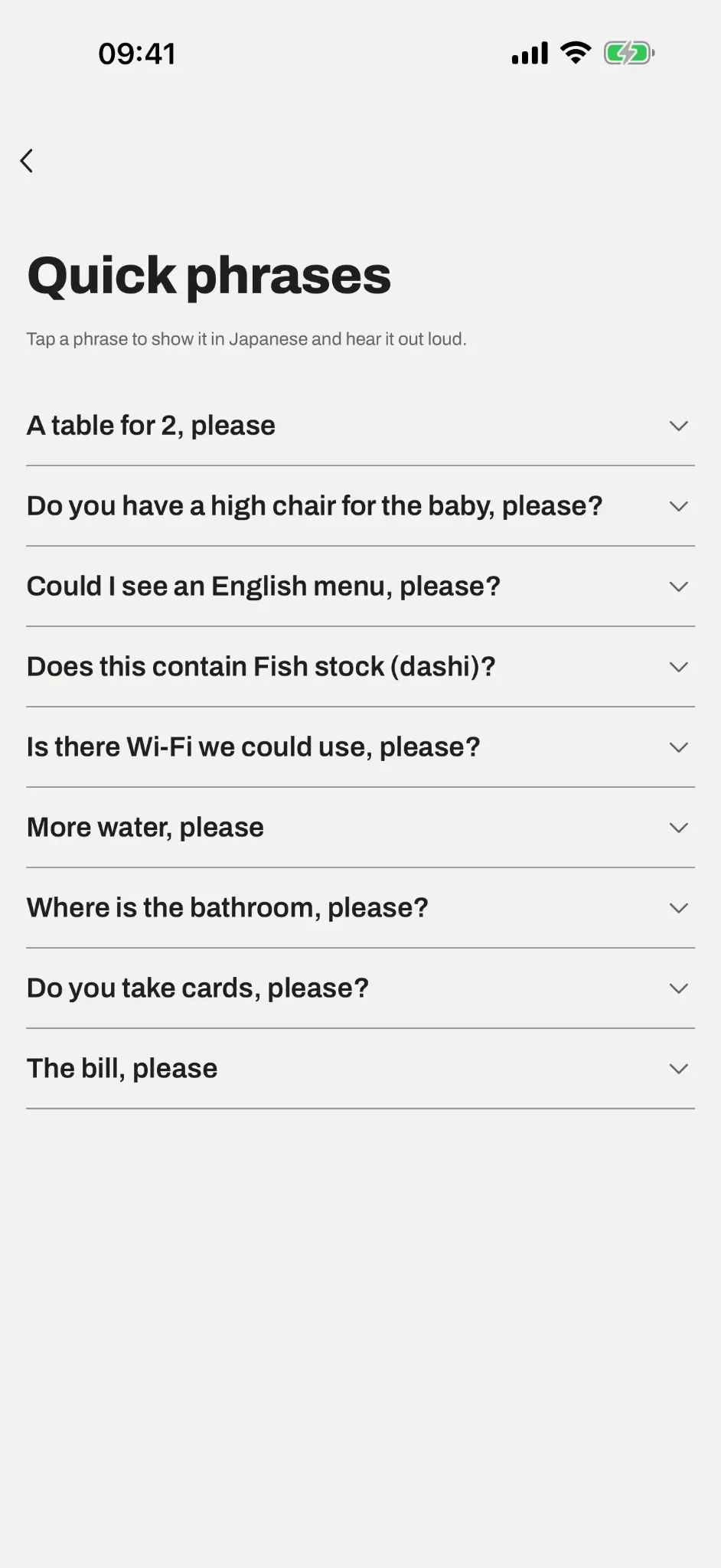
The Tabelingo home screen

Available in ten languages

English, Portuguese, Spanish, French, Italian, German, Korean, Thai, and Chinese in both traditional and simplified script. Prices convert into your own currency, updated daily.

Questions before launch? Get in touch.